Rage Clicks and Dead Clicks: What They Mean, Which Ones Matter, and How to Fix Them
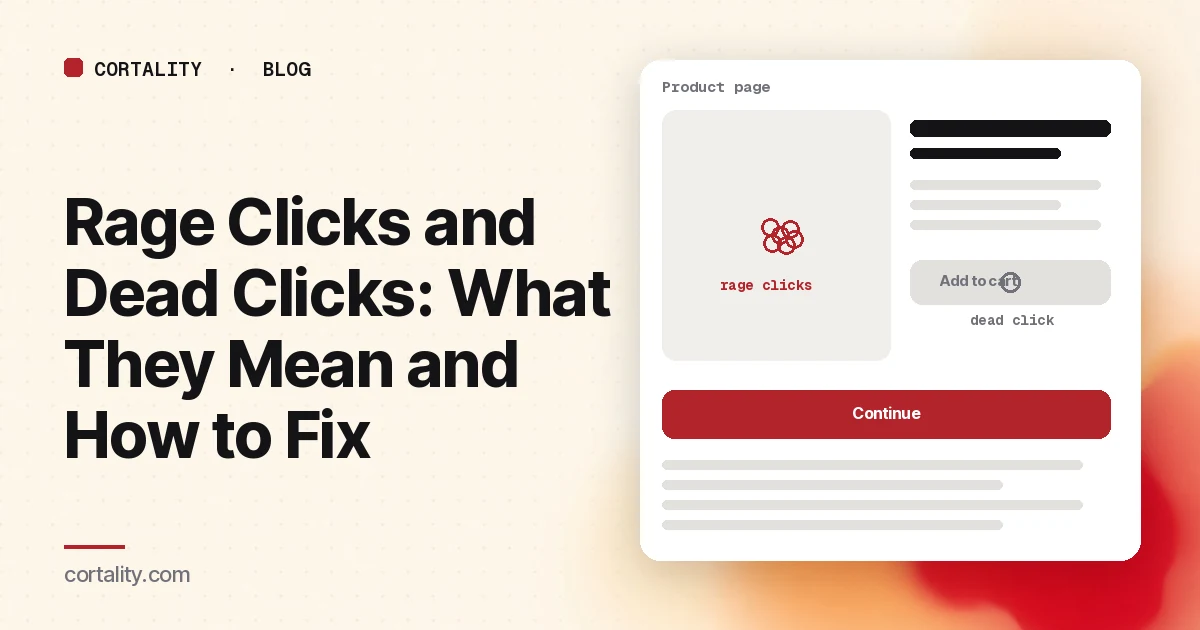
A rage click is a visitor telling you, as loudly as a mouse can, that your page didn't do what they expected. A dead click is the quieter version: one click, no response, and the visitor moves on or leaves. Both are among the most useful signals in behavior analytics, because each one points at a specific spot on a specific page.
The catch is volume. Turn on a behavior tool and you'll see hundreds of flagged clicks, and most teams don't know which ones matter. This guide covers what the signals mean, how to sort real problems from noise, the seven causes we'd check first, and how to confirm your fix worked.
What rage clicks and dead clicks are
Definitions vary a little between tools. Microsoft Clarity, which is free and widely used, defines them like this (Clarity):
- Rage clicks: a page view or session is flagged when "the user clicks multiple times in a clustered area in rapid succession." Clarity calls them strong indicators of frustration where users expect interactive elements.
- Dead clicks: a click on an element that "gets no feedback in a reasonable amount of time": the visual state doesn't change and there's no navigation. Clarity says a dead click can signify broken elements, high-latency requests or misleading design.
Clarity's click maps also have an error clicks view: clicks that happen right before a JavaScript error (Clarity). On phones, the same signals are taps.
| Signal | What happened | What it usually means |
|---|---|---|
| Dead click | One click, no visible response | Something looks clickable but isn't, or the response is invisible |
| Rage click | Several fast clicks in one spot | Something is clickable but slow, broken, blocked, or confusing |
| Error click | A click followed by a script error | The element is broken for some visitors |
How to find them
In Clarity, start with the dashboard, which shows rage click and dead click rates for the site. Then:
- Find the pages. Filter the dashboard or recordings by page, and list the pages with the most sessions containing rage or dead clicks.
- Find the elements. Open the click map for a page and switch the view to rage clicks or dead clicks. The left panel ranks the elements that received them.
- Watch the sessions. Filter recordings to sessions with rage clicks on that page and watch five to ten of them end to end. The map tells you where. The recordings tell you why.
Other behavior tools have equivalents under similar names. Whatever you use, look at phone and desktop separately, because the layout, and the causes, are often different.
Which ones matter: a quick triage
Not every flagged click is worth a fix. Sort by three questions:
- Is it on the path to your main action? A dead click on the footer logo matters less than a rage click on the "Add to cart" or "Book a call" button, or on anything above it.
- How many different visitors do it? One person clicking a heading 15 times is one person. Twenty visitors each clicking the same product photo is a pattern.
- Do those sessions end badly? If sessions with the rage click mostly leave from that page, it's costing you. If they continue and convert, it's friction, not a blocker.
Expect some noise. Repeated clicks are normal on quantity plus and minus buttons, gallery arrows and date pickers, and double- or triple-clicking to select text can look like a burst. Check what the element is before you treat its clicks as frustration.
The seven causes worth checking, in order
1. It looks clickable, but it isn't
The most common source of dead clicks: product photos that don't zoom, headings that look like links, icons, underlined text, cards where only the small "Learn more" link works. Visitors click what looks clickable, and Nielsen Norman Group's guidance on clickable elements is built on that: links and buttons need clear visual signifiers, and things that aren't interactive shouldn't borrow them (NN/g).
Fix: either make the thing do what visitors expect, or remove the cue that makes it look interactive. Clarity's own blog describes a home builder's floorplans page where visitors clicked individual floorplan titles expecting a page for each one; creating those pages cut the dead clicks (Clarity blog). On product pages, the usual version is a photo that should open a larger view or a gallery.
2. It works, but nothing shows that it's working
A visitor clicks "Submit" and the button looks the same for two seconds while the request runs. They click again, and again. That's a rage click on a button that's technically fine. Nielsen Norman Group's long-standing response-time limits put the threshold for feeling instant at about 0.1 second and for keeping the user's flow at about 1 second (NN/g). Google's Interaction to Next Paint metric treats 200 milliseconds or less as good responsiveness and more than 500 milliseconds as poor (web.dev).
Fix: show a pressed or loading state immediately on click, disable the button while the request runs so double submissions can't happen, and work on the slow part (often a third-party script or an unoptimized API call). Check your INP in PageSpeed Insights.
3. It's broken for some visitors
If rage or error clicks cluster on one browser, device or page version, something is failing there: a script error, a payment widget that didn't load, a button that only works after a slow script finishes. Clarity's error clicks view and its JavaScript error filters help here.
Fix: filter recordings to the affected browser and device, reproduce it on a real device, and check the browser console. These are often quick fixes with a big payoff, because the visitors involved were trying to convert.
4. Something is covering it
A cookie banner, chat bubble, sticky bar or pop-up that sits over a button can swallow the click. On phones, a sticky footer often covers the bottom of a form or a "Continue" button.
Fix: use the page on an actual phone with the banners and widgets your visitors see, and tap everything in the main path. Move the widget, or add space so nothing important sits under it.
5. The target is too small or too close to another one
Small links, tiny arrows on carousels and close-together menu items get missed taps, then repeated taps. WCAG 2.2 sets a minimum target size of 24 by 24 CSS pixels, with some exceptions such as enough spacing around smaller targets (W3C). That's a minimum; main buttons on phones should be comfortably bigger.
Fix: enlarge the tap area (padding counts, not just the visible icon) and add space between neighboring targets.
6. The form rejects input without saying why
Rage clicks on a form's submit button often mean validation failed and the error message is missing, hidden above the fold, or vague. The visitor keeps pressing the button that isn't working.
Fix: show errors next to the field, in plain words, as soon as you can, and scroll to the first error on submit. Our guides to form abandonment analysis and lead gen form fields cover the rest.
7. Visitors expect something you haven't built
Sometimes the click is a feature request. Visitors repeatedly click a price expecting a breakdown, a shipping line expecting details, or a feature name expecting an explanation. Recordings usually make this clear: they click, wait, then go looking for the information somewhere else.
Fix: answer the question where they asked it, with a link, a tooltip or a short expandable section.
How to confirm the fix worked
Pick the page and element you fixed and compare equal windows before and after, with similar traffic:
- The rage or dead click count on that element, per session, not as a raw total, so a busier week doesn't fool you.
- What happens next in those sessions. Do more visitors now reach the next step: the cart, the form, the thank-you page?
- The conversion rate for the page. A fix that removes friction on the main path should show up here eventually. On a low-traffic page it may take weeks to be clear.
Change one thing at a time where you can, so you know what made the difference. Our guide to CRO without A/B testing covers how to run before-and-after comparisons honestly.
What rage clicks can't tell you
Rage and dead clicks only catch problems that make people click. They miss the visitor who never noticed the button, the one who read the headline and left, and the one who scrolled past the form without stopping. For those, you need to know what visitors actually see and skip on the page. Our guide to elements visitors ignore covers the most common ones.
Where Cortality fits
Rage clicks show you the loud problems. Cortality measures the quiet ones too: one tag measures how real visitors use every part of your page, element by element, including what they see, skip, tap and stop at. You get a ranked list of fixes, each with the evidence and the exact change to make, and after you ship a fix Cortality re-measures it and tells you whether it worked. It works alongside Google Analytics and Microsoft Clarity rather than replacing them. See how it works or what a finding looks like.
For a quick first look, our free page leak scan takes about a minute and needs no install. It's a prediction from our attention model, not data from your real visitors, so use it to decide where to look first.
Plans are $99, $249 or $499 a month (Starter, Growth and Scale). Start your free week, and you see your first report before you pay. You save a card at signup, and nothing is charged until 3 days after your first report. Cancel before then and you pay nothing, and any charge can be refunded within 14 days. How the free week works.
Questions
What is a rage click?
A rage click is several clicks in the same small area in quick succession. Microsoft Clarity flags a page view or session with rage clicks when this happens and marks each clustered click. It usually means the visitor expected something to respond and it didn't, or didn't respond fast enough.
What is the difference between a rage click and a dead click?
A dead click is a single click that gets no visible response: nothing changes on the page and nothing navigates. A rage click is repeated clicking in one spot. Dead clicks often point at things that look clickable but aren't; rage clicks often point at things that are clickable but slow, broken or blocked.
Are all rage clicks a problem?
No. Some are normal behavior, like tapping a quantity plus button several times, double-clicking to select text, or clicking through a gallery quickly. Focus on rage clicks that many different visitors make on the same element, on the path to your main action.
How do I find rage clicks on my website?
Behavior analytics tools flag them for you. In Microsoft Clarity, which is free, the dashboard shows rage and dead click rates, click maps have rage click and dead click views, and you can filter session recordings to sessions that contain them.