Which Elements Do Visitors Ignore on Your Website? 8 Usual Suspects and How to Check
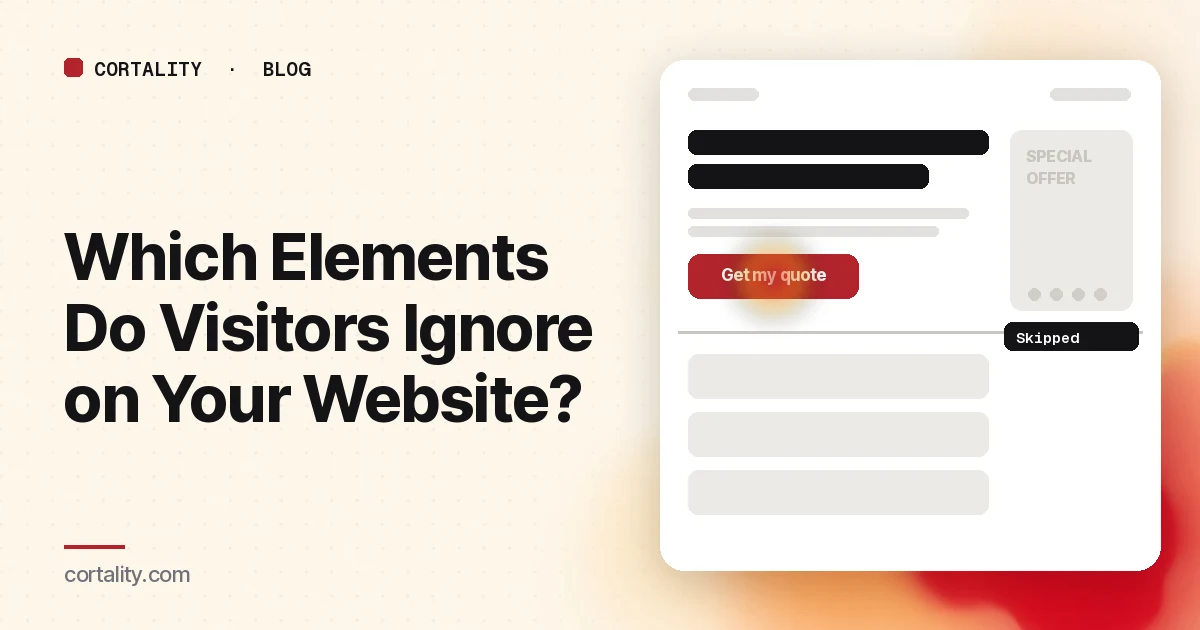
You put your best proof, your clearest offer, or your most important link on the page, and nothing happens. Nobody clicks it. Nobody mentions it. Sometimes the problem isn't the content. It's that visitors never looked at it.
People don't read web pages top to bottom. They scan for what seems relevant and skip the rest, and they've learned fairly predictable rules for what to skip. This guide covers eight kinds of elements that research shows visitors tend to ignore, why it happens, and how to check which ones are being ignored on your own page.
Why visitors skip parts of a page
Attention is limited. Nielsen Norman Group describes banner blindness as a case of selective attention: people point their attention at the parts of a page related to their goal and ignore the rest, because taking in everything would be overwhelming (NN/g, Banner Blindness Revisited).
Over years of browsing, people have built shortcuts. Things that look like ads get skipped. So do things that move on their own and things that appear after what looks like the end of the page. Your content gets caught by these shortcuts whenever it shares those traits, even if it's the most useful thing on the page.
The 8 usual suspects
1. Anything that looks like an ad
The same NN/g research lists three traits that make content look like an ad: placement where ads usually go (such as the top of the page or the right rail), ad-like styling (such as animation), and being close to real ads or promotions. Legitimate content with those traits gets ignored too (NN/g).
On a landing page, the usual victims are boxed promo banners, brightly colored "special offer" strips, and image tiles with text baked into the picture. Making something look very different from the rest of the page can backfire. NN/g notes that it often has the opposite of the intended effect.
Fix: style important content like content, not like a promotion. Use the same fonts and backgrounds as the rest of the page and real text instead of text inside an image.
2. The right-hand column
In the same study, one participant looked at a right rail once, decided it held only ads, and never looked there again. That rail contained useful related content. NN/g calls this the hot-potato pattern: after one bad experience with an area, people avoid it on that page and sometimes on other sites too.
Fix: don't put anything a visitor needs to decide, like your offer, price or main proof, in a sidebar. Keep it in the main column.
3. Carousels and sliders that rotate on their own
In an NN/g usability study, a user looking for a discount on washing machines couldn't find it, even though it was the biggest item on the homepage. The panel rotated every 5 seconds, so the offer was visible only 20% of the time, and the movement made it look like an ad (NN/g, Auto-Forwarding Carousels).
Fix: if a message matters, give it a fixed spot. If you keep a carousel, stop it from moving on its own and show clear controls.
4. Everything below a "false floor"
A false floor is a spot where the page looks finished but isn't. Full-screen hero images or videos, horizontal lines across the page, and large gaps of white space can all create it. In one NN/g study, six of eight users didn't realize they could scroll down a homepage whose hero video filled the screen (NN/g, The Illusion of Completeness).
Fix: let the next section peek above the bottom edge of the first screen, on desktop and on phones. Avoid full-width dividers right at the fold.
5. Content far down a long page
Even when people scroll, attention fades as they go. In NN/g's 2018 eyetracking analysis, people spent about 57% of their viewing time above the fold, 74% in the first two screens, and the rest in small amounts further down (NN/g, Scrolling and Attention).
Fix: put the content that decides the sale near the top: what it is, who it's for, the main proof, and the next step. Use the lower part of the page for details that people who are already interested will look for.
6. The right side of long paragraphs
When text is a wall of prose with no formatting, people often scan in an F-shaped pattern. They read the first lines, then fewer and fewer words, mostly along the left edge. The words they skip can be the most important ones (NN/g, F-Shaped Pattern).
Fix: put the key point in the first two paragraphs. Use subheadings that start with the words that carry meaning, bold the important phrases, and use bullet lists for features and steps.
7. Vague buttons and links
People click links that make sense and describe something they want. In the carousel example above, the button to reveal the discount was labeled "Rewarding.Life.Style," which NN/g calls content-free (NN/g). "Learn more," "Click here," and "Submit" have the same problem in a milder form.
Fix: label every button and link with what happens or what the visitor gets: "See pricing," "Get my quote," "Book a 20-minute call."
8. Form fields that already have text in them
NN/g's form research notes that eyetracking shows people's eyes are drawn to empty fields. Fields with placeholder text in them are less noticeable, and some users mistake a placeholder for a default value and skip the field (NN/g, Placeholders in Form Fields).
Fix: put labels and hints outside the field, where they stay visible while people type.
How to check which elements are ignored on your page
The list above tells you what to suspect. To know what's happening on your page, combine a few signals. No single one tells the whole story.
Scroll depth. A scroll map shows the share of visitors who reached each part of the page. Microsoft Clarity includes scroll maps with an "average fold" line that shows how much of the page visitors saw before scrolling (Microsoft Clarity docs). If an important section sits where only a small share of visitors ever arrive, it doesn't matter how good it is.
Clicks, and clicks that don't work. Click maps show what visitors click. Clarity also separates out dead clicks, rage clicks and error clicks (Clarity). Dead clicks on an image or bold text mean people expected it to be a link. That's useful, because it shows what they wanted to do.
Reached but not used. The strongest sign that an element is ignored is when most visitors scroll past it but almost nobody clicks it, expands it or mentions it. Compare scroll reach and clicks for each section side by side.
Five-second test. Show the page to a few people who have never seen it, for five seconds, then hide it. Ask what they remember. Anything you consider important that nobody mentions is a candidate.
Watch a batch of recordings. Watch 20 or 30 sessions in one sitting and note where the scrolling speeds up. Fast scrolling past a section usually means it isn't being read.
A caution: scroll and click data show where people went and what they did. They don't directly show what people looked at. A visitor can have your testimonial on screen for three seconds and never notice it. Treat "on screen" as the upper limit of "seen," not the same thing.
Fix one element at a time
Once you know which important element is being skipped, change only that: move it, restyle it, or relabel it. Note the date and compare the same metric over equal periods before and after. If you change the layout, the copy and the colors all at once, you won't know which change helped. Our guide to CRO without A/B testing covers how to measure changes on a site without much traffic, and our 10 landing page checks cover what to look at beyond attention.
The checklist (copy this)
- Important content is styled like content, not like a promo or ad
- Nothing needed to decide sits in a sidebar
- No carousel rotates on its own
- The next section peeks above the bottom of the first screen on desktop and phone
- What it is, who it's for, the main proof and the next step are in the first two screens
- Key points sit in the first two paragraphs; subheadings and bold carry the meaning
- Every button and link says what happens next
- Form labels and hints sit outside the fields
- Scroll reach and clicks compared for each section
- Five-second test run with people who have never seen the page
Where Cortality fits
Scroll and click data can tell you an element was on screen. They can't easily tell you whether anyone noticed it.
For a quick first look, our free page leak scan predicts where visitors are likely to look on your page and estimates what fixing the gaps could be worth. No install needed. It's a prediction from our attention model, not data from your real visitors, so treat it as a starting point.
Cortality's paid product measures how real visitors use every part of your page, element by element, and turns that into a ranked list of fixes with the exact change for each. After you make a fix, it re-measures to show whether it worked. See what a finding looks like or how the measurement works.
Start your free week and you see your first report before you pay. You save a card at signup, nothing is charged until 3 days after your first report, and you can cancel before then and pay nothing. Any charge can be refunded within 14 days (refund policy). Plans are on the pricing page.
Questions
Why do visitors ignore parts of my website?
People have limited attention and point it at whatever looks relevant to their goal. They have learned to skip things that look like ads, sit where ads usually sit, move on their own, or appear after what looks like the end of the page. Elements with those traits get skipped even when they contain useful content.
What is banner blindness?
Banner blindness is the habit of ignoring page elements that people perceive as ads, whether or not they really are ads. Nielsen Norman Group has documented it across three decades of research. Ad-like placement, ad-like styling such as animation or boxed promotions, and closeness to real ads all trigger it.
How can I tell which elements visitors ignore on my page?
Use several signals together. Scroll depth shows which sections most visitors never reach. Click maps show what gets clicked and what is clicked without working. A five-second test with people who have never seen the page shows what they noticed first. An element that is reached but never clicked or remembered is a strong candidate.
Does a scroll map show what visitors actually looked at?
No. A scroll map shows how far down the page visitors scrolled, so it tells you which sections were on screen. Being on screen is not the same as being noticed. Visitors can scroll right past an element without looking at it, which is why it helps to combine scroll data with clicks and direct tests.