SaaS Website Conversion Audit: 12 Checks From First Visit to Signup
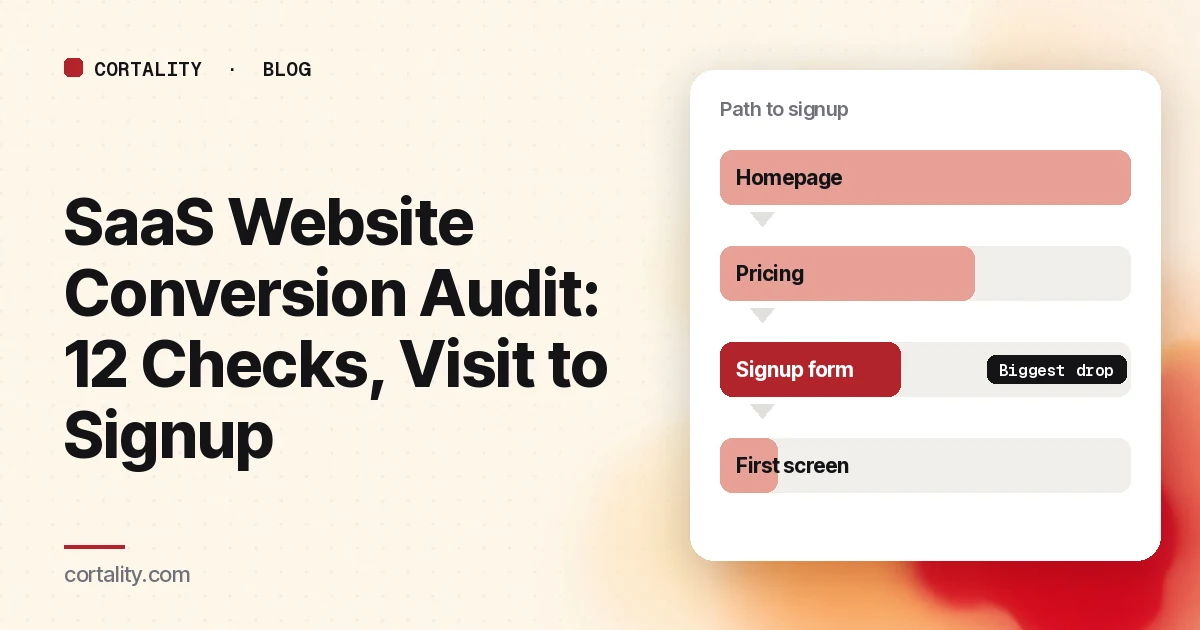
A SaaS website has one job before anything else: get the right visitor to start a trial or book a demo. When signups are low, most teams start rewriting the homepage. That skips the question that matters: where on the path do people actually stop?
A conversion audit answers that question. It walks the route a buyer takes, from the first page they land on to the first screen after signup, and checks each step for the problems that most often stop people. This guide gives you 12 checks in that order, plus a simple way to rank what you find. If you sell through a single landing page rather than a full site, our 10 landing page checks cover that case in more depth.
Before you start: measure the path
An audit without numbers turns into a list of opinions. Spend the first hour getting four counts for the same 28-day period:
- Visitors to your main entry pages. Usually the homepage, plus any landing pages your ads or posts point to.
- Visitors to pricing. Many SaaS buyers check price before they commit to anything.
- People who start the signup form. Google Analytics 4 records a
form_startevent the first time a user interacts with a form in a session, and aform_submitevent when they submit it, if form interactions are turned on in enhanced measurement (Google's list of enhanced measurement events). - People who finish signup. Google's recommended event for this is
sign_up(GA4 recommended events). Many SaaS apps also record it on their own side, which is the more reliable count.
Submit a test signup yourself and confirm each event appears. Then split every count by phone and desktop. The two often have very different problems.
Now you can see the shape of the leak. If 2,000 people visit and 40 reach the form, the problem is before the form. If 300 start the form and 40 finish, the problem is the form.
Part 1: The first page they land on
1. Does the headline say what the product does?
A SaaS homepage often opens with a big promise ("Work, reimagined") and leaves the actual product for the third section. A buyer comparing three tools in three tabs won't dig for it.
Check: read only your headline and subheading. Could a stranger say what category you're in, who it's for, and what changes for them? If not, rewrite the headline in plain words and use the subheading for the outcome.
2. Is the main action visible without scrolling?
Attention drops quickly down a page. In a 2018 eyetracking study by Nielsen Norman Group, people spent about 57% of their page-viewing time above the fold and 74% in the first two screens (NN/g, Scrolling and Attention).
Check: open the page on a real phone. Is the trial or demo button on the first screen, and does its label say what happens ("Create my account," not "Get started")?
3. Is there one primary path?
SaaS homepages often offer "Start trial," "Book a demo," "Watch video," "See pricing," and a chat bubble in the same screen. Each is reasonable alone. Together they split attention.
Check: decide which action matters most for most visitors. Make it the one strong button, and make everything else visibly secondary.
4. Does the page show the product?
Buyers want to see what they'd be using. Abstract illustrations don't help them picture it.
Check: is there a real screenshot or short clip of the product doing its main job near the top? Is it readable on a phone, or shrunk to a blur?
Part 2: Pricing and the decision
5. Can buyers find the price, and is it clear what they'd pay?
If your pricing is public, make it one click from every page. If it isn't, say how pricing works and what the next step is. Hidden pricing sends some buyers back to search for a competitor who shows theirs.
Check: from the homepage, how many clicks does it take to see a price? On the pricing page, can you tell which plan fits you in under a minute?
6. Are the trial terms stated in plain words near the button?
People hesitate when they don't know what a trial involves. Will they need a card? When does billing start? Can they cancel online?
Check: write the honest answers in one or two short lines right by the button. If a card is required, say so. A surprise on the signup form costs more trust than a clear note on the pricing page.
Part 3: The signup form
7. Does the form ask only for what you need to create the account?
Every extra field is a reason to stop. Company size, phone number and "how did you hear about us" can usually wait until after signup, or be pulled from other data.
Check: list every field and ask whether the account can exist without it. Nielsen Norman Group's form guidelines recommend removing fields that can be derived some other way, collected more conveniently later, or simply omitted (NN/g, Website Forms Usability).
8. Are labels visible, and are rules shown up front?
Placeholder text that disappears when someone types strains memory and makes errors harder to fix (NN/g on placeholders). Hidden password rules that only appear after a failed attempt cause the same friction.
Check: every field has a label outside the box, and any password or format rule is shown before the user types.
9. Do errors show next to the field, as soon as the field is done?
Baymard Institute's checkout research found that 31% of the e-commerce sites it benchmarked had no inline validation, and that errors shown only after submitting often contributed to abandonment in testing (Baymard on inline validation). The same logic applies to a signup form.
Check: type a bad email and move to the next field. Do you see a clear message right away, next to the field? Does it disappear as soon as you fix it? Does the form keep everything else you typed?
10. Does it work well on a phone?
Check: sign up on a phone. Do fields trigger the right keyboard (email keyboard for email)? Can you tap the button without zooming? Does "Sign up with Google" or another single sign-on option work if you offer it?
Part 4: Speed and the first screen after signup
11. Is the site fast enough on a phone?
Google's Core Web Vitals give clear targets: Largest Contentful Paint within 2.5 seconds, Interaction to Next Paint of 200 milliseconds or less, and Cumulative Layout Shift of 0.1 or less, measured at the 75th percentile of page loads (web.dev, Web Vitals).
Check: run your homepage, pricing page and signup page through PageSpeed Insights. Start with the mobile results and the largest image or video in the first screen.
12. Does the first screen after signup deliver on the homepage promise?
A signup that lands on an empty dashboard with ten options is a signup that may never come back. This isn't strictly the website, but it decides whether a trial turns into a customer.
Check: sign up as a new user. Is there one obvious first step that leads to the outcome your headline promised?
How to rank what you find
You'll end the audit with more problems than you can fix this month. Rank them before you touch anything:
| Question | Why it matters |
|---|---|
| How many visitors reach this step? | A problem on the homepage affects everyone. A problem on step 3 of signup affects only the people who got that far. |
| How bad is it? | A button nobody can see on a phone is worse than a slightly vague subheading. |
| How sure are you? | A drop you can see in your numbers beats a hunch. |
| How hard is the fix? | A label change takes minutes. A new onboarding flow takes weeks. |
Fix the problem with the most reach and the clearest evidence first, even if it isn't the most interesting one. Then make one change at a time and compare equal periods before and after. Our guide to CRO without A/B testing explains how to do that honestly when you don't have much traffic.
The checklist (copy this)
- Four counts pulled for the same 28 days: entry page visitors, pricing visitors, form starts, signups
- Test signup submitted and every event confirmed, split by phone and desktop
- Headline says what the product is and who it's for
- Main button visible on the first phone screen, labeled with what happens
- One primary action; the rest clearly secondary
- Real product screenshot near the top, readable on a phone
- Price reachable in one click, or the pricing process explained
- Trial terms stated honestly next to the button
- Signup form trimmed to what the account needs
- Visible labels and up-front rules for every field
- Inline errors next to the field, cleared as soon as they're fixed
- Signup tested end to end on a real phone
- Mobile PageSpeed Insights checked for home, pricing and signup
- First screen after signup has one obvious first step
- Problems ranked by reach, severity, evidence and effort
Where Cortality fits
The checks above tell you where to look. The hard part is knowing which problem is costing you the most on your own site.
For a quick starting point, our free page leak scan shows where visitors are likely to look on your page and what fixing it could be worth. No install needed. The scan is a prediction from our attention model, not data from your real visitors, so use it as a place to start.
When you want answers from your own traffic, Cortality's paid product measures how real visitors use every part of your page and gives you a ranked list of fixes, with the exact change for each. After you make a fix, it re-measures to show whether it worked. You can see what a finding looks like, read how the measurement works, or compare it with published CRO audit prices.
Start your free week and you see your first report before you pay. You save a card at signup, nothing is charged until 3 days after your first report, and you can cancel before then and pay nothing. Any charge can be refunded within 14 days (refund policy). Plans and visitor limits are on the pricing page.
Questions
What is a SaaS website conversion audit?
It is a structured review of the path a visitor takes from the first page they land on to starting a trial or booking a demo. You measure how many people reach and finish each step, check each step against a list of common problems, and rank the problems by how many visitors they affect.
Which page should a SaaS company audit first?
Start with the step that loses the most people in absolute numbers, not the one with the worst percentage. For most SaaS sites that is the homepage or the main landing page, because every visitor sees it. If the signup form loses a large share of the people who start it, fix that first, since those visitors have already decided to try you.
How long does a SaaS conversion audit take?
A first pass on a small site takes a day or two: an hour or two to pull the numbers, a few hours to walk the path on a phone and a laptop, and time to write up and rank what you find. The longer part is measuring each fix afterwards.
Do I need an A/B testing tool to act on the audit?
No. Most SaaS sites do not have enough signups to run A/B tests to a clear result. You can make one change at a time and compare equal periods before and after, using the same days of the week and the same traffic sources.