Why Is My Landing Page Not Converting? 10 Checks, in Order
You're getting visitors but not signups, calls, or sales. The tempting move is to redesign the whole page. Don't. A redesign throws away what was working along with what wasn't, and you learn nothing about why.
A page that doesn't convert usually has one or two specific leaks. This guide walks through the checks in the order a visitor experiences your page, so you can find the biggest leak and fix it first. Running a Shopify store? The product page version of this list is our Shopify product page audit checklist.
First, make sure it's really a conversion problem
Before you change the page, rule out the two things that look like a conversion problem but aren't.
Your tracking is broken. Submit your own form, book a call, or place a test order. Then check that the conversion showed up in your analytics, CRM, and inbox. Some "zero conversion" pages are converting fine and just not recording it.
The traffic is wrong. If visitors come from a broad audience, an unrelated keyword, or a source that sends bots, no page will convert them. If the traffic doesn't fit the offer, fix the targeting before you touch the page.
If both check out, the page is the problem. Keep going.
The 10 checks, in the order visitors hit them
1. Does the page match what brought them here?
A visitor arrives with a promise in their head from the ad, search, or post that sent them. If the first thing they see doesn't confirm it, many leave before reading a word. Open your top traffic source next to your page. Does the headline repeat the same promise? If the ad says "Same-day bookkeeping for contractors" and the page says "Financial clarity for modern businesses," you've lost the thread.
Fix: match the headline to the source. If you have several traffic sources with different promises, consider a separate page for each.
2. Can a stranger tell what you offer in five seconds?
Show your page to someone who has never seen it for five seconds, then hide it. Ask: what does this company sell, who is it for, and what should you do next? If they can't answer all three, your first screen isn't doing its job.
Common causes are slogan headlines ("Reimagine what's possible") and a hero image that fills the first screen with no words.
Fix: write a headline that says what it is and who it's for in plain words. Use the subheading for the main benefit or the outcome.
3. Do visitors actually see your call to action?
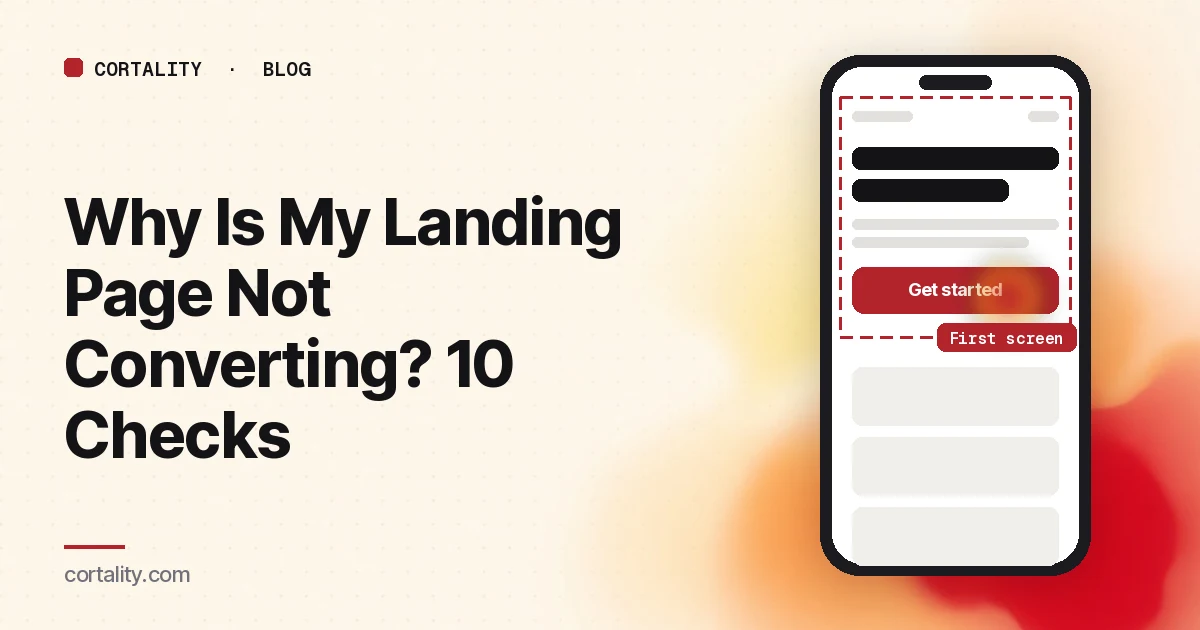
Your button exists. That doesn't mean people notice it. Buttons get lost when they blend into the page, sit below the first screen on phones, or look like an ad.
Fix: check your page on an actual phone, not just a desktop preview. Make sure the main button is visible without scrolling, clearly different in color from its surroundings, and labeled with what happens ("Get my quote," not "Submit").
4. Is there one obvious next step?
A nav bar, three buttons, a newsletter popup, a chat widget, and social icons give visitors many ways to leave. Each extra option competes with the one you want.
Fix: decide on the single action this page exists for. Remove or tone down everything else.
5. Do they know what happens after they click?
People hesitate when they don't know what comes next. Will they be charged? Called by a salesperson?
Fix: answer it right next to the button in one short line. For example: "Takes two minutes. We'll email your quote. No sales call." Only promise what's true. If a card is required, say so plainly; a surprise at checkout loses more people than an honest note on the page.
6. Is your proof next to your ask?
Testimonials, reviews, and case studies only help if people see them while deciding. A strong review buried at the bottom does little for someone looking at your button at the top.
Fix: put your best, most specific proof close to the main call to action. "Helped us answer leads faster" beats "Great product!" A real name and company beat initials. Never invent or exaggerate a testimonial.
7. Is the form asking for too much?
Every field is a small reason to stop. Each one is useful to you and a cost to the visitor.
Fix: list every field and ask, "Do I need this before the first conversation?" Cut what you don't. Ask for the rest after the first step. Also test the form on a phone: tiny fields and error messages that wipe what someone typed cost signups.
8. Does it load fast on a phone?
A slow page loses visitors before they see anything. Big images, video backgrounds, and extra scripts are the usual causes.
Fix: run your page through Google's free PageSpeed Insights and look at the mobile results. Start with the largest image in the first screen: compress it, serve a modern format like WebP, and don't lazy-load it. Remove scripts you no longer use.
9. Does it work on a phone?
Fast is not the same as usable. Scroll your page on a real phone and look for tiny text, buttons too close to tap, popups you can't close, and sections that stack badly.
Fix: if most visitors are on phones (your analytics shows the split), treat the phone version as the main version.
10. Have you removed the reasons to hesitate?
Some visitors are almost convinced and just need to feel safe. Missing basics push them away: no price, no refund policy, no way to reach a human, no company details.
Fix: add the boring trust details. Show pricing or how it works, link your refund policy near the ask, and make a real email address easy to find.
How to find which check is your problem
The checklist tells you what to look at. Your visitors tell you which item is actually costing you. A few free ways to find out:
- Look at where people stop. Check scroll depth and which funnel step loses the most people. A drop before the button points to checks 1 to 4. A drop at the form points to check 7.
- Watch real sessions. Watch a batch of recordings in one sitting and note patterns, not one-off oddities.
- Ask. Email recent customers and ask what nearly stopped them from buying.
- Test with strangers. The five-second test from check 2 catches unclear headlines fast.
Fix one thing at a time
Fix the biggest leak and leave everything else alone. Note the date, then compare the same metric over equal periods before and after, with the same days of the week and traffic sources. Change five things at once and you won't know which helped, or which quietly hurt. If your site doesn't have enough traffic for a proper A/B test, that's normal. Our guide to CRO without A/B testing covers how to measure changes honestly on a smaller site.
The checklist (copy this)
- Tracking works: I submitted a test conversion and saw it recorded
- Traffic fits the offer: sources and search terms match what I sell
- Headline repeats the promise from the ad, search, or post
- A stranger can say what I sell, for whom, and what to do next after five seconds
- Main button is visible without scrolling on a phone and clearly labeled
- There's one main action; everything else is removed or secondary
- A short line next to the button says what happens after the click
- My most specific proof sits near the main button
- Every form field is needed before the first conversation
- Mobile PageSpeed results checked; first-screen image compressed and not lazy-loaded
- Page scrolls, taps, and reads well on a real phone
- Pricing, refund policy, contact details, and company info are easy to find
- I picked the single biggest leak, changed only that, and logged the date
Where Cortality fits
The hardest part of this list is knowing which item matters most on your page.
If you want a quick starting point, our free page leak scan shows where your page is likely losing buyers and what fixing it could be worth. It takes about a minute, with no install or card. The scan is a prediction from our attention model, not data from your real visitors, so treat it as a place to start looking.
When you want answers from your own traffic, our landing page CRO audit takes over from the scan: Cortality's paid product measures how real visitors use every part of your page and gives you a ranked list of fixes, with the exact change for each. After you make a fix, it re-measures to show whether the change worked. You can see what a finding looks like or read how the measurement works.
Your first week is free, and you see your first report before you pay. You save a card at signup. Nothing is charged until 3 days after your first report, and you can cancel before then and pay nothing. Any charge can be refunded within 14 days (refund policy).
FAQ
How do I know if my landing page is the problem or my traffic is?
Check where visitors come from and what they searched or clicked. If the traffic doesn't match what you sell, fix the targeting first. If the traffic fits and people still leave before acting, the page is the problem.
What should I fix first on a landing page that isn't converting?
Fix the first problem a visitor hits. Usually that's the match between the ad or search and the headline, then whether the offer is clear in the first screen, then whether the button is visible. Earlier leaks affect everyone who arrives. Later ones affect only the people who got past the earlier ones.
Should I redesign my landing page?
Usually not as a first step. A full redesign changes everything at once, so you can't tell what helped or hurt. Find the biggest single leak, fix it, measure, and repeat. If you're weighing a paid review instead, here are published CRO audit prices to compare against.
Is the free leak scan the same as the paid product?
No. The free scan is a prediction of where visitors look, made by our attention model. It doesn't need an install. The paid product installs a tag and measures how your real visitors use every part of the page, then ranks what to fix.