Predictive Heatmap vs Real Visitor Heatmap: What Each One Can Tell You, and Which to Trust
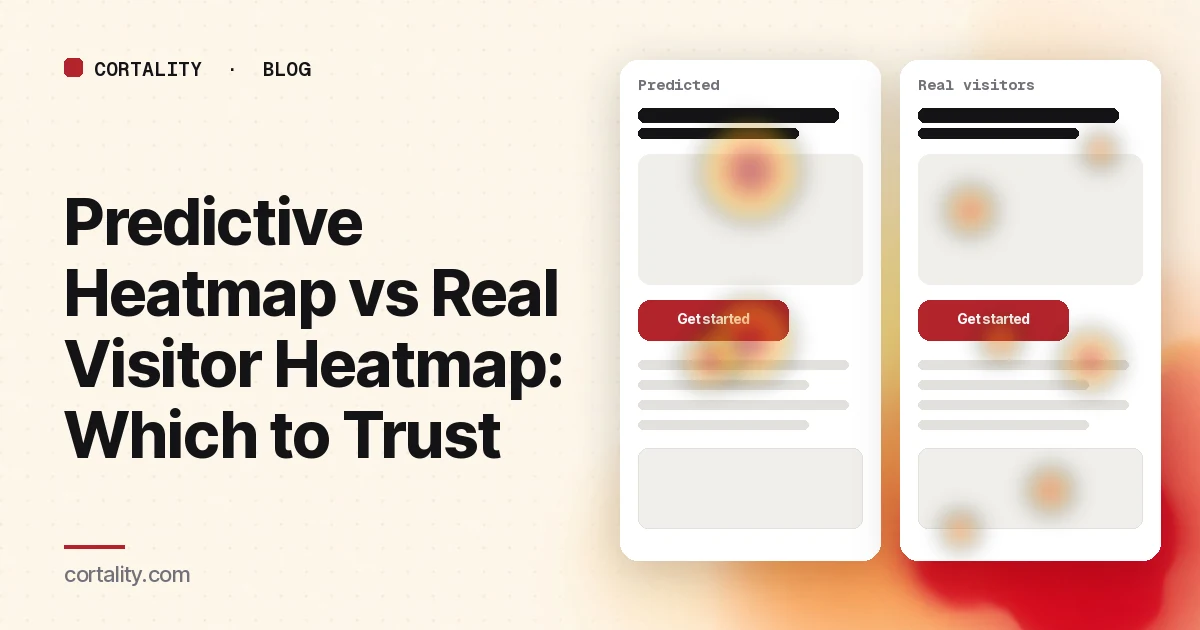
There are two very different things that get called a heatmap. One is built from what real visitors did on your page: where they clicked, how far they scrolled, where they moved. The other is generated by a model that looks at a screenshot and predicts where people are likely to look. They can look almost identical, red blobs over a page, and they answer completely different questions.
Mixing them up is how teams end up "fixing" a page based on a guess, or waiting weeks for traffic data when a prediction would have caught an obvious problem in a minute. This guide covers what each one actually is, what the accuracy numbers on predictive tools really measure, and when to trust which.
The short version
| Predictive attention map | Heatmap from real visitors | |
|---|---|---|
| Where the data comes from | A model trained on past eye-tracking studies | Your own visitors' sessions |
| Needs traffic? | No | Yes, and more for finer questions |
| Needs a tracking script? | No, just a screenshot or URL | Yes |
| Time to first result | About a minute | Days to weeks, depending on traffic |
| What it covers | Where people are likely to look in the first few seconds | Clicks, taps, scrolling, movement, and time on parts of the page |
| Knows why people came? | No | Indirectly, through who your traffic is |
| Best for | Pre-launch checks, design drafts, low-traffic pages, deciding where to look first | Finding what's actually happening, confirming a problem, checking a fix |
What a heatmap from real visitors measures
A behavior analytics script records what visitors do, and the tool aggregates those sessions into maps. Microsoft Clarity, for example, offers click maps, scroll maps, area maps, conversion maps and attention maps, all built from recorded sessions on pages where its code is installed (Clarity). Other tools offer similar sets.
The strength is obvious: it's your traffic, on your page, with whatever intent brought them there. If 60% of phone visitors never scroll to your pricing table, a scroll map shows it.
The weaknesses are less obvious:
- It needs volume. A map built from a few dozen sessions can be mostly noise. A single unusual visitor can paint a hot spot. Our guide to heatmaps on a low-traffic website covers how to tell whether yours has enough behind it.
- It shows what, not why. A click map tells you visitors tap a product photo. It doesn't tell you whether they wanted to zoom, expected a link, or were just scrolling with their thumb.
- It can't run before launch. You need a live page and real traffic.
- Mouse movement isn't eye movement. Movement maps are a rough stand-in for attention on desktop and tell you little on phones, where there's no cursor.
What a predictive attention map is
A predictive attention map, sometimes sold as predictive eye tracking, comes from a saliency model: a model trained on eye-tracking data to estimate where people will look in an image. You give it a screenshot or a URL; it returns a map of likely attention, often with scores for areas you mark, like the headline or the main button.
Under the hood, these models learn what draws the eye in the first moments of looking: faces, high contrast, large type, bright color, and things near the center of the frame. That's genuinely useful for one kind of question: is the thing I want people to see first actually the thing that stands out?
What the accuracy numbers actually measure
Predictive vendors often quote a high accuracy figure. Attention Insight, for example, says its heatmaps matched real eye-tracking heatmaps with 92.5% accuracy for general images in the MIT/Tuebingen Saliency Benchmark, and "up to 96%" across designs (Attention Insight). That's the vendor's own description of its result.
It helps to know what that benchmark tests. Its main test set, MIT300, is 300 natural indoor and outdoor scenes, viewed by 39 people for 3 seconds each, with no task: "free viewing" (MIT/Tuebingen Saliency Benchmark). Those are photos, not web pages, and nobody in the study was trying to buy anything, book a call, or find a price.
Independent tests on designs give a more modest picture. A 2024 pilot study compared an attention-prediction model with eye tracking from 17 participants on four web and ad designs, and found ROC-AUC values between 0.75 and 0.84 (Grid 2024 conference paper). On that scale, 0.5 is a coin flip and 1.0 is perfect, so the predictions were clearly better than chance and clearly not the same as real eyes. The authors suggest using such tools in early design work and combining them with traditional methods for critical decisions. It's a small study, but it's a fair summary of where prediction stands.
So the honest reading is: a good model is a decent estimate of where people glance in the first few seconds when they have no particular goal. That's a narrower thing than "how my visitors use my page."
What a prediction can't see
Several things that decide whether a page converts are invisible to a model looking at a screenshot:
- Why the visitor came. Someone who clicked an ad for "emergency plumber" scans for a phone number. Someone comparing software scans for price. Nielsen Norman Group's eye-tracking research found that how people scan a page depends on its formatting and on the reader's goal and motivation (NN/g). A model doesn't know your traffic's goal.
- Anything after the first few seconds. Predictions estimate a first glance. Whether visitors read the offer, scroll to the form, or leave at the testimonials is behavior over time.
- Clicks, taps and frustration. A model can't see visitors repeatedly tapping a photo that isn't a link, or clicking a button that doesn't respond. Real click data shows that, including rage clicks and dead clicks.
- Scrolling and the fold. A prediction usually scores one screenshot. Real scroll data shows how many visitors ever reach each section. Nielsen Norman Group found people spend most of their viewing time above the fold, but still scroll when the content gives them a reason (NN/g).
- Your device mix and returning visitors. A repeat customer heading straight for "Log in" behaves nothing like a first-time visitor.
Which one to use, by question
| Your question | Use | Why |
|---|---|---|
| Does the headline or the main button stand out on the first screen? | Prediction first | It's exactly the first-glance question these models are trained on |
| We're launching a page next week. Is anything obviously buried? | Prediction | There's no traffic yet |
| Our page gets 300 visits a month. Where should we look first? | Prediction, then recordings | A prediction narrows the search; a handful of full session recordings show real behavior |
| Do phone visitors ever reach the form? | Real scroll data | Only behavior over time answers this |
| Are people clicking something that isn't a link? | Real click data | A model can't see clicks |
| Did our change to the hero work? | Real data, before and after | Only your visitors can tell you whether behavior changed |
| The prediction and the real map disagree. Which is right? | Real data | It's what happened, as long as the sample is big enough for the question |
A simple way to use both
- Before launch, run a prediction on the phone and desktop layouts. If the main action is cold on both, fix the visual hierarchy now: size, contrast, position, and the clutter competing with it.
- Sanity-check the prediction with a few people. Show the first screen to five people for five seconds and ask what the page offers and what they'd do next. If they can't say, the prediction's hot spots don't matter.
- Once traffic arrives, check the questions a prediction can't answer: scroll depth to the main action, clicks on non-links, and where visitors stop. Our guide to reading a website heatmap covers what to look at, in order.
- When they disagree, investigate rather than average. If the prediction says the button is hot but real visitors don't click it, the button is visible but unconvincing, or it's below where most visitors stop. That disagreement is often the most useful finding of all.
- Measure the fix on real visitors. Compare equal windows before and after a change, one change at a time. The method is in our guide to CRO without A/B testing.
Common mistakes
- Treating a prediction as visitor data. "The heatmap shows people ignore our pricing" means something very different if the map came from a model. Label predictions as predictions in reports and decks.
- Optimizing for the red blob. Making the button the brightest thing on the page can raise its predicted attention without changing whether the offer is clear. Attention is necessary, not sufficient.
- Reading a real heatmap from too few sessions. A map from 40 sessions can look as confident as one from 4,000.
- Blending devices. Phone and desktop layouts are different pages. Look at them separately, for both kinds of map.
Where Cortality fits
Our free page leak scan is the prediction side: paste a URL, answer five quick questions, and in about a minute you see where visitors are likely to look at desktop and phone widths, plus an estimate of what fixing it is worth. It's a prediction from our own attention model, not data from your visitors, so use it to decide where to look first.
The paid product is the measured side, and it isn't a heatmap to interpret. One tag measures how real visitors use every part of your page, element by element: what they see, skip, tap and stop at. You get a ranked list of fixes, each with the evidence and the exact change, and after you ship a fix Cortality re-measures it and tells you whether it worked. It works alongside Google Analytics and Microsoft Clarity. See how it works or what a finding looks like.
Plans are $99, $249 or $499 a month (Starter, Growth and Scale). Start your free week, and you see your first report before you pay. You save a card at signup, and nothing is charged until 3 days after your first report. Cancel before then and you pay nothing, and any charge can be refunded within 14 days. How the free week works.
Questions
What is a predictive heatmap?
It's an attention map generated by a model rather than measured. You upload a screenshot or a URL, and a model trained on eye-tracking studies estimates where people are likely to look in the first few seconds. No visitors and no tracking code are involved.
How accurate are predictive heatmaps?
They're reasonably good at one narrow job: estimating where people look in the first seconds of free viewing. Vendor accuracy figures usually come from benchmarks of photos viewed for a few seconds with no task. An independent 2024 pilot on four web and ad designs found ROC-AUC scores between 0.75 and 0.84 against real eye tracking, where 0.5 is chance and 1.0 is perfect. Treat a prediction as a decent first guess, not as your visitors' behavior.
Can a predictive heatmap replace a real one?
No. A prediction can't see clicks, scrolling, taps, form use, what your traffic came for, or what happens after the first few seconds. It's useful before launch or before you have traffic. Once real visitors arrive, their behavior wins whenever the two disagree.
How many visitors does a real heatmap need?
It depends on the question. Big patterns, like whether most phone visitors reach the main button, show up with modest traffic. Fine comparisons between similar elements need far more. Split your sessions into two date ranges and build a map from each; if both tell the same story, you have enough for that question.