Facebook Ads Getting Clicks but No Sales? 8 Checks, From Ad Set to Checkout
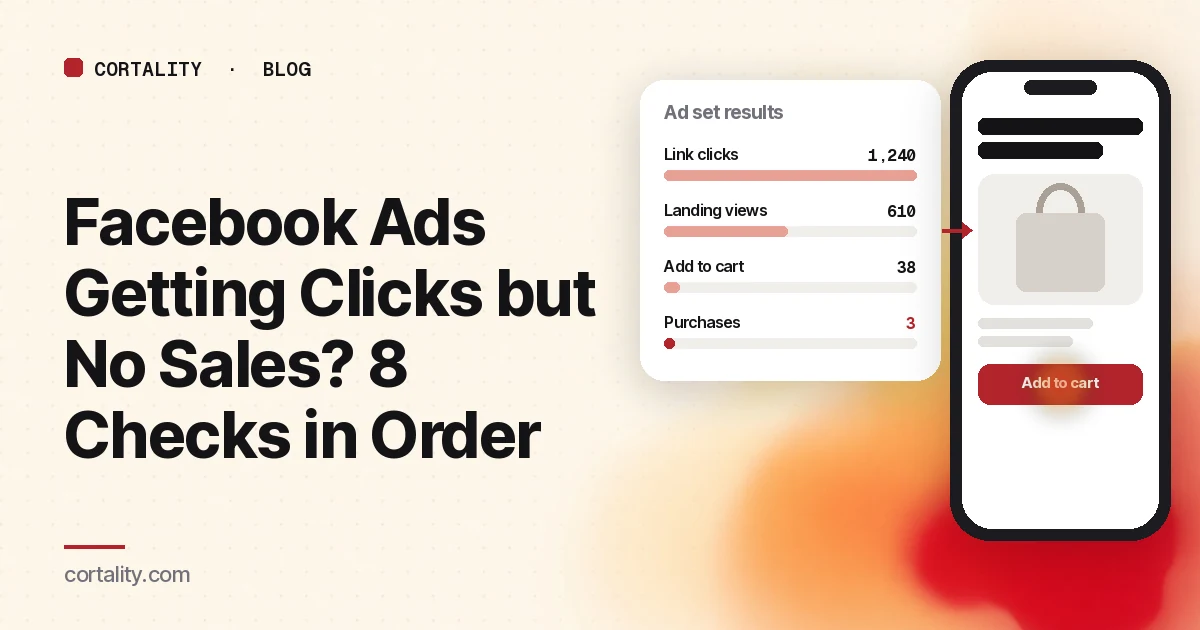
You're paying for clicks. Ads Manager shows a decent click-through rate and a cost per click you can live with. Your store or signup page shows almost nothing. It's tempting to make a new ad, change the audience, or raise the budget. Don't, yet.
Clicks without sales usually come down to one of three things: what you asked Meta to find, what your tracking reports, or what happens after the tap. This guide works through eight checks in that order. The first three take minutes and rule out the most common causes before you touch a creative.
Part 1: The campaign
1. What is the ad set optimizing for?
Meta delivers ads to the people most likely to take the action you chose. Its own Marketing API reference describes the options plainly (Meta for Developers, Ad Set reference):
- Link clicks: "Optimize for people more likely to click in the link of the ad."
- Landing page views: "Optimize for people who are most likely to click on and load your chosen landing page."
- Conversions: "Optimize for people more likely to make a conversion on the site."
Nothing in the first two asks for buyers. A traffic campaign with cheap clicks and no sales may be doing exactly what it was set up to do.
Check: open the ad set and read the performance goal. If you sell something and judge the campaign on sales, the goal should be a purchase or lead event, not clicks. Boosted posts are worth checking too.
There's a catch on a small budget. An ad set leaves the learning phase once it can deliver stably, which Meta says usually takes about 50 results in the week after its last significant edit (Meta Business Help Center, About the learning phase). If your budget buys three purchases a week, a purchase-optimized ad set may sit in "Learning limited" for as long as it runs. Meta's own suggested fix is to choose an optimization event that happens more often, for example moving from purchases to add to cart (Meta Business Help Center, About learning limited). For a lead business, that earlier event might be a lead form submission. Switch back to purchases once you're getting enough of them, and keep judging the campaign on actual sales.
2. Are purchases being tracked at all?
A campaign that "has no sales" sometimes has sales that never reach Ads Manager. Meta learns from the events your site sends, through the Meta Pixel and, if you've set it up, the Conversions API, which sends events from your server or platform to Meta (Meta for Developers, Conversions API).
Check: place a real test order or signup yourself. Confirm the purchase or lead event arrives once, with the right value. Then compare the purchases Meta reports with the orders in your store for the same dates.
Expect the two to differ, partly because of the attribution window. Ads Manager only credits a sale to your ad if it happens within the window set on the ad set, and for most conversion campaigns the default is 7-day click or 1-day view (Meta Business Help Center, Differences between conversion optimizations). Someone who taps your ad and buys on day 9 shows up as an order in your store but not in Meta. So a small gap is normal. Zero purchases in Meta while your store shows orders from tagged Meta traffic means tracking, not ads.
3. Are you reading the right click number?
Meta reports more than one kind of click. Broader click counts can include taps on your page name, the "see more" link or the image. Link clicks are closer to visits, and landing page views are closer still, because they count people whose page actually loaded.
Check: add landing page views to your columns and compare them with link clicks for the same dates. A small gap is normal. A large one sends you to check 4.
Part 2: The landing
4. Do clicks become visits?
Compare three numbers for the same dates: link clicks in Ads Manager, landing page views, and sessions from the campaign in your analytics. Tag every ad URL with campaign parameters such as utm_source, utm_medium and utm_campaign so your analytics can separate this traffic from everything else (Google Analytics, URL builders). On Shopify, the Sessions by landing page report shows which pages those sessions start on (Shopify Help Center, Behavior reports).
If many people tap and few arrive, the usual causes are a slow page, a broken or redirected link, or a page that behaves differently inside the Facebook and Instagram apps.
Check: tap your own ad inside both apps, on a phone, over mobile data. Time how long the page takes to show something useful. Google's target for Largest Contentful Paint is 2.5 seconds or less (web.dev, Web Vitals).
5. Does the first screen match the ad?
The ad made a promise: a product, a price, a discount, a result. If the page opens on a generic homepage or a broad collection, people have to hunt for what they just saw, and many won't.
Check: put a screenshot of the ad next to a screenshot of the first phone screen it leads to. Does the page show the same product, the same offer and the same words near the top? Is the main button visible without scrolling? If many visitors leave from this first screen, our guide to a high landing page bounce rate helps you find out why.
6. Can people answer their questions on the page?
Ad traffic is colder than search traffic. People who tapped out of curiosity need the basics fast: what it is, what it costs, how long delivery takes, how returns work, and why they should believe you.
Check: read the page as someone who has never heard of you. List the questions you'd need answered before paying, and see whether each one is answered on the page without leaving it. Our 10 landing page checks go through this in more detail.
Part 3: The purchase
7. Is there a surprise at the cart or checkout?
Shipping costs that appear for the first time at checkout, a forced account, or an error on mobile can undo everything the ad did. Baymard Institute's average of 50 studies puts online cart abandonment at about 70% (Baymard, cart abandonment rate), so some drop-off is normal. What you are looking for is a step where your drop is unusually steep.
Check: buy something from your own store through the ad, inside the app's browser. Note every moment you'd hesitate. If your funnel shows add to carts but few orders, our guide to add to carts with no sales covers that step.
8. Are the right people arriving?
Only after checks 1 to 7 pass is it fair to blame the audience or the creative. If the page loads fast, matches the ad, answers the questions and checks out cleanly, and people still leave, the ad may be attracting people who were never going to buy.
Check: break results down by placement first, then age and device. Look hard at Audience Network, the placement that shows your ad inside other companies' apps and websites. It is a common source of cheap clicks that never turn into visits. Meta itself found that people who click an Audience Network ad and spend less than 2 seconds on the destination page almost always clicked by accident (Meta for Business, Updates to clicks and impression reporting). If it brings plenty of clicks and almost no landing page views or engagement, exclude it in the ad set's placement settings. Do the same for any other placement or segment with the same pattern. Then make one change at a time so you know which one mattered.
Reading the drop-off
| Pattern | What it may point to | First check |
|---|---|---|
| Many link clicks, few landing page views | Slow page, broken link, accidental taps (often Audience Network) | Checks 4 and 8 |
| Visits, but people leave from the first screen | Page doesn't match the ad | Check 5 |
| People scroll, few add to cart or start the form | Unanswered questions, weak proof | Check 6 |
| Add to carts, few orders | Cart or checkout surprise | Check 7 |
| Orders in your store, none in Meta | Tracking | Check 2 |
Keep the numbers in proportion. With a few dozen visits, one or two people can make a step look far better or worse than it is.
Running Google Ads instead? The tracking and page checks are the same. Also open the search terms report, which shows the actual searches that triggered your ads (Google Ads Help, search terms report), and look at landing page experience, one of the three parts of Quality Score, which Google describes as how relevant and useful your page is to people who click your ad (Google Ads Help, Quality Score).
The checklist (copy this)
- Ad set performance goal is a purchase or lead event, not clicks
- On a small budget: an earlier event (add to cart or lead) until about 50 a week is realistic
- Test order placed; purchase event fires once with the right value
- Meta purchases compared with store orders for the same dates, allowing for the attribution window
- Landing page views added next to link clicks
- Every ad URL tagged with UTM parameters
- Ad tapped inside Facebook and Instagram on a phone, over mobile data
- First phone screen shows the same product, offer and words as the ad
- Main button visible without scrolling
- Price, delivery, returns and proof answered on the page
- Test purchase made through the in-app browser
- Results broken down by placement, age and device; Audience Network excluded if it brings clicks but no visits
- One change at a time, with the date written down
Where Cortality fits
Ads Manager tells you how many people tapped. It can't tell you what they did on your page, or which part of the page lost them.
For a quick starting point, run the page your ad links to through our free page leak scan. It shows where visitors are likely to look on the page and what fixing it could be worth. It takes about a minute, no install needed. The scan is a prediction from our attention model, not data from your real visitors, so treat it as a place to start. You see a first-screen attention prediction right away, and the full findings arrive by email a few minutes later.
Running a Shopify store? See Cortality for Shopify stores running Meta ads. Agencies can check a client's landing page before scaling spend.
When you want answers from your own ad traffic, Cortality's paid product uses a small tag on your site to measure how real visitors use every part of your page, then gives you a ranked list of fixes with the exact change for each. After you make a fix, it re-measures to show whether it worked. You can see what a finding looks like or read how the measurement works.
Start your free week and you see your first report before you pay. You save a card at signup, nothing is charged until 3 days after your first report, and you can cancel before then and pay nothing. Any charge can be refunded within 14 days (refund policy). Plans start at $99 a month, and the visitor limits are on the pricing page.
Questions
Why do my Facebook ads get clicks but no sales?
The three most common reasons are that the ad set is optimizing for clicks or landing page views rather than purchases, that purchase tracking is broken so sales are happening but not being reported, or that the page people land on does not match the ad or is hard to use on a phone. Check them in that order, because each one changes how you read the next.
How many clicks should I get before judging a Facebook ad?
There is no fixed number, but with only a few dozen clicks one or two sales either way can make a campaign look much better or worse than it is. Judge the steps with the most traffic first, such as clicks to landing page views, and wait for more data before judging purchase rates.
Should I change the ad or the landing page first?
Fix tracking first, then the campaign goal, then the page. If people tap and the page never loads, or it shows something different from the ad, a new ad will not help. If the page is fine and the people arriving are not buyers, the audience or goal is the problem.
Does this apply to Google Ads too?
Mostly. The tracking and landing page checks are the same. For Google Search ads, also read the search terms report to see the actual searches that triggered your ads, and check the landing page experience part of Quality Score.