SaaS Homepage Best Practices: What Each of 10 Sections Has to Do
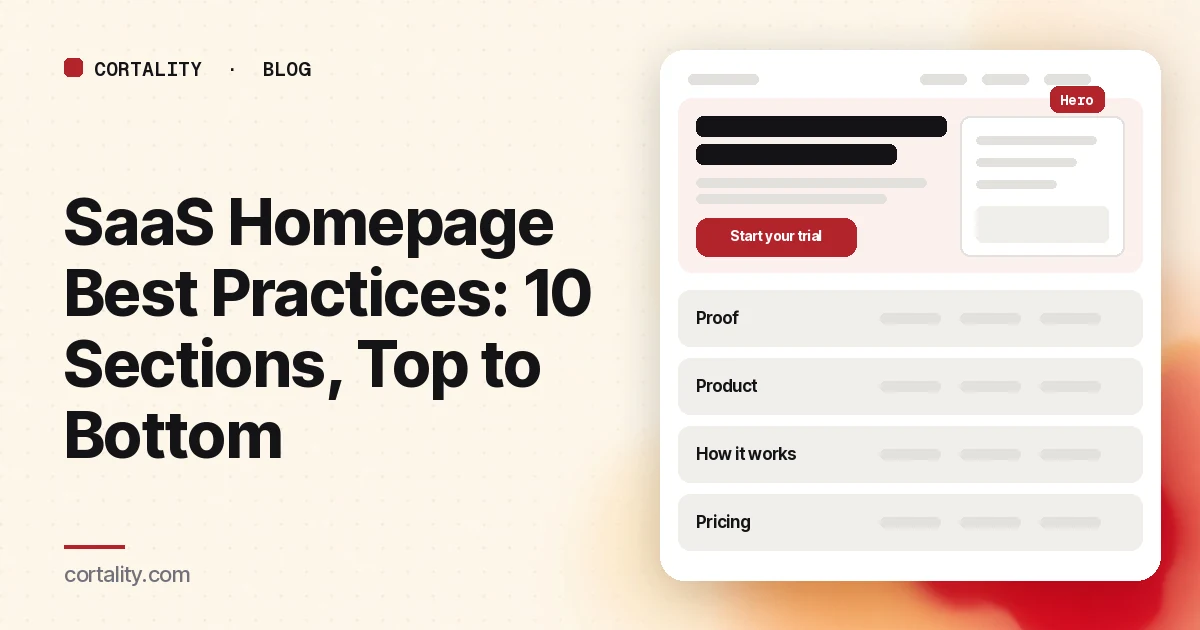
A SaaS homepage is read in seconds, often by someone with three competitor tabs open. Most of them will decide from the first screen whether to keep reading. The rest of the page exists for the people who need more convincing.
This guide goes through ten sections of a typical SaaS homepage in the order visitors see them, and says what each one has to do. It isn't a template. Your page might merge sections or skip some. But each job on this list has to be done somewhere. If you want to check the full path from homepage to signup, use our SaaS conversion audit after this.
Why the top of the page matters most
Attention falls off quickly down a page. In a 2018 eyetracking study, Nielsen Norman Group found people spent about 57% of their page-viewing time above the fold and 74% in the first two screens (NN/g, Scrolling and Attention). Sections 1 to 3 below do most of the work. Sections 4 to 10 answer the questions of people who stay.
1. The headline: say what it is
Nielsen Norman Group's first homepage guideline, from 2002 and still sound, is to start with a one-sentence tagline that sums up what the company does, especially if you aren't famous (NN/g, Top 10 Guidelines for Homepage Usability). Many SaaS homepages open with a mood ("Work, reimagined") and leave the product for later.
Do: name the category or the job, and who it's for. Use the subheading for the outcome. Test it by reading only those two lines: could a stranger say what you sell?
2. The main action: one strong button
"Start trial," "Book a demo," "Watch video" and "See pricing" side by side split attention. Pick the action most visitors should take and make it the one strong button. Make everything else visibly secondary.
Do: label the button with what happens ("Start your trial," "Book a 20-minute demo"), and put the terms right beside it in one short line: how long the trial is, whether a card is needed, and how to cancel. Be honest. A surprise on the signup form costs more trust than a clear note on the homepage. If a demo is your main action, see how to build a demo request page that gets booked.
3. The product: show it working
Buyers want to picture what they'd be using. Abstract illustrations and stock photos don't help. NN/g's homepage guidelines make the same point about content in general: show real examples, because specifics beat abstractions.
Do: put a real, readable screenshot or a short silent clip of the product doing its main job near the top. Check it on a phone. A dashboard shrunk to a blur is decoration.
4. Proof: put it next to the claim
Logos, short quotes and specific results reassure people that others like them already use you. Proof works best near the claim or decision it supports, not all in one block at the bottom.
Do: use proof with names, roles and specifics. One quote that says what changed for a named customer beats a wall of five-star icons. Never invent or round up numbers.
5. The problem: show you understand it
Buyers who feel understood keep reading. A short section that describes the problem in their words, and what it costs them, earns the attention the feature list needs.
Do: write two or three lines from the buyer's side: what they're doing now, what goes wrong, and what that costs them. Support tickets and sales-call notes are the best source of the exact words.
6. How it works: three steps, not thirty features
Feature grids with twelve icons are hard to remember. A simple "how it works" in three or four steps tells people what they'd actually do.
Do: describe setup, first result and ongoing use. Include how long setup takes if it's short, because effort is one of the main reasons people delay a trial.
7. Use cases or audiences: help people find themselves
If you serve several kinds of customer, let each one find their path. NN/g recommends giving users clear starting points for the main one to four tasks they come to do.
Do: add short, clearly labeled paths, such as "For agencies" or "For online stores," each leading to a page written for that audience.
8. Pricing: one click away
Many buyers check price before they commit to anything. Hidden pricing sends some of them back to search for a competitor who shows theirs. Our SaaS pricing page checklist covers the page itself.
Do: link to pricing in the main menu and once on the page. If your pricing is public, a one-line summary ("Plans from $X a month") helps people qualify themselves. If it isn't, say how pricing works.
9. Objections: answer them before the last button
Near the end, visitors who are still reading are close to deciding. Their questions are about risk: setup effort, security, data, contracts, cancellation.
Do: add a short FAQ with the five questions your sales team hears most, then repeat the main button.
10. The footer: the details serious buyers check
Some buyers scroll to the bottom to check that you're real. Company details, security and privacy pages, status page, docs and contact options all live here.
Do: group company information in one place, as NN/g recommends, and make sure every link works.
Before you publish: the quick checks
- Speed. Google's Core Web Vitals targets are a Largest Contentful Paint of 2.5 seconds or less, Interaction to Next Paint of 200 milliseconds or less and Cumulative Layout Shift of 0.1 or less (web.dev, Web Vitals). Heavy hero videos are a common cause of slow first screens.
- Phone. Open the page on a real phone. Is the button on the first screen? Is the screenshot readable?
- Carousels. If your hero rotates, NN/g notes that dots are a particularly poor cue on mobile, because people often don't notice them (NN/g, Carousel Usability). Put anything important in the first frame or somewhere static.
- Tracking. Make sure trial starts or demo requests are recorded, so you can measure each change.
Then change one section at a time and compare equal periods before and after. Most SaaS sites don't have the traffic for A/B tests, and our guide to CRO without A/B testing explains how to measure honestly without them.
The checklist (copy this)
- Headline names the category or job, and who it's for
- Subheading gives the outcome
- One strong button, labeled with what happens
- Trial or demo terms stated honestly next to the button
- Real, readable product screenshot or clip near the top
- Proof with names and specifics, next to the claims it supports
- Problem described in the buyer's words
- How it works in three or four steps, with setup time
- Clear paths for each main audience
- Pricing one click away, with a one-line summary if public
- FAQ with the top five sales objections, then the button again
- Footer with company, security, privacy and contact details
- Mobile Core Web Vitals and real-phone check done
- Trial starts or demo requests tracked
Where Cortality fits
Best practices tell you what a homepage should do. They can't tell you which section is losing your visitors.
For a quick starting point, our free page leak scan shows where visitors are likely to look on your homepage and what fixing it could be worth. It takes about a minute, no install needed. The scan is a prediction from our attention model, not data from your real visitors, so treat it as a place to start. You see a first-screen attention prediction right away, and the full findings arrive by email a few minutes later.
For how the homepage connects to your pricing page and signup form, see Cortality for SaaS.
When you want answers from your own traffic, Cortality's paid product uses a small tag on your site to measure how real visitors use every section of your page, then gives you a ranked list of fixes with the exact change for each. After you make a fix, it re-measures to show whether it worked. You can see what a finding looks like or read how the measurement works.
Start your free week and you see your first report before you pay. You save a card at signup, nothing is charged until 3 days after your first report, and you can cancel before then and pay nothing. Any charge can be refunded within 14 days (refund policy). Plans start at $99 a month, and the visitor limits are on the pricing page.
Questions
What should be on a SaaS homepage?
At minimum: a headline that says what the product does and for whom, one primary action, a real view of the product, proof from customers, a short explanation of how it works, a clear path to pricing, and answers to the main objections. The order matters, because most attention goes to the top of the page.
Should a SaaS homepage have a demo button or a free trial button?
Pick the one that fits most of your visitors and make it the single strong button. If you offer both, make the second one visibly secondary. Two equal buttons split attention and make visitors choose before they understand the product.
How long should a SaaS homepage be?
Long enough to answer the questions a buyer has before taking the next step, and no longer. The first screen does most of the work, so put the essentials there and use the rest of the page for people who need more convincing.
Should I show pricing on my SaaS homepage?
You don't need the full table, but buyers should be able to reach pricing in one click from the homepage. If pricing is custom, say how it works and what the next step is.