How to Prove CRO Results to Clients When You Can't Run an A/B Test
An agency ships a page change, conversions go up the next month, and the report says "the new hero lifted leads." The client nods. Then a sharp client asks the obvious question: how do you know it was the hero and not the new ad campaign, the season, or luck?
On a large site, the answer is an A/B test. Most client sites aren't large. Splitting a few thousand monthly visitors in half rarely produces a clear winner in a reasonable time, so the test ends "inconclusive" and the client still doesn't know whether the work paid off. (If you want to check this for a specific client, our guide to CRO without A/B testing shows how to estimate the sample size a test would need.)
You can still give clients evidence they can check. This guide covers a five-part method and a one-page report format that holds up when someone asks hard questions.
Why "conversions went up" doesn't convince anyone
Monthly conversion numbers move for reasons that have nothing to do with your fix:
- Traffic mix. A month with more branded search or email traffic converts better than a month heavy on cold social traffic, even on an identical page.
- Seasonality. Holidays, paydays, month-end budgets and industry cycles shift behavior on their own.
- Other changes. The client launched a promo, changed a price, or their sales team followed up faster.
- Bounce-back. If you started work after an unusually bad month, the next month will probably look better whatever you do.
- Small numbers. Going from 12 leads to 17 feels like a big win. On counts that small, normal week-to-week noise can produce the same jump.
A report that ignores these invites doubt. A report that names them and shows how you checked for them builds trust, even when the answer is "no change."
The method: five parts
1. Write the baseline down before the change ships
Before anything goes live, record in a shared doc or the ticket:
- The page and the change, in one sentence. "Moved the booking button above the testimonials on mobile."
- Why you're making it, with the evidence. "Scroll data shows most phone visitors leave before the button."
- The metric you'll judge it on, and one backup metric.
- The window. For example, the four full weeks before launch versus the four full weeks after.
- The success rule. What result would count as "improved", and what would count as "no change"?
This is the single most useful thing an agency can do. It stops anyone, including you, from picking whichever number happened to go up after the fact. Send it to the client before launch so they've seen the plan.
2. Pick the metric closest to the change
The further a metric sits from the change, the more outside causes can move it. If you moved a button, the closest signal is how many visitors reached and clicked it. If you shortened a form, it's how many people who started the form finished it. Final revenue is the number the client cares about, but it's the slowest and noisiest to move.
Report both, in that order: "More phone visitors reached and clicked the booking button (the behavior we changed), and booked calls went from X to Y over the same windows (the business result)." If the close metric moved and the business number didn't, that's useful too. It tells you the next problem sits further down the funnel.
If you use GA4, the form_start and form_submit events from enhanced measurement give you form starts and submissions without custom code, and the built-in scroll event fires when a visitor reaches 90% of the page depth. A click on a specific button usually needs its own event.
3. Compare against something you didn't change
A before-and-after comparison on one page can't separate your fix from everything else that changed in the same weeks. A comparison group helps. Pick pages on the same site that get similar traffic and that you didn't touch, then look at how their numbers moved over the same two windows.
- If the changed page improved and the untouched pages stayed flat, that points to your change.
- If everything improved by about the same amount, something site-wide happened (a campaign, a season), and your fix may not have done much.
- If the untouched pages dropped and your page held steady, your fix may have helped more than the raw numbers suggest.
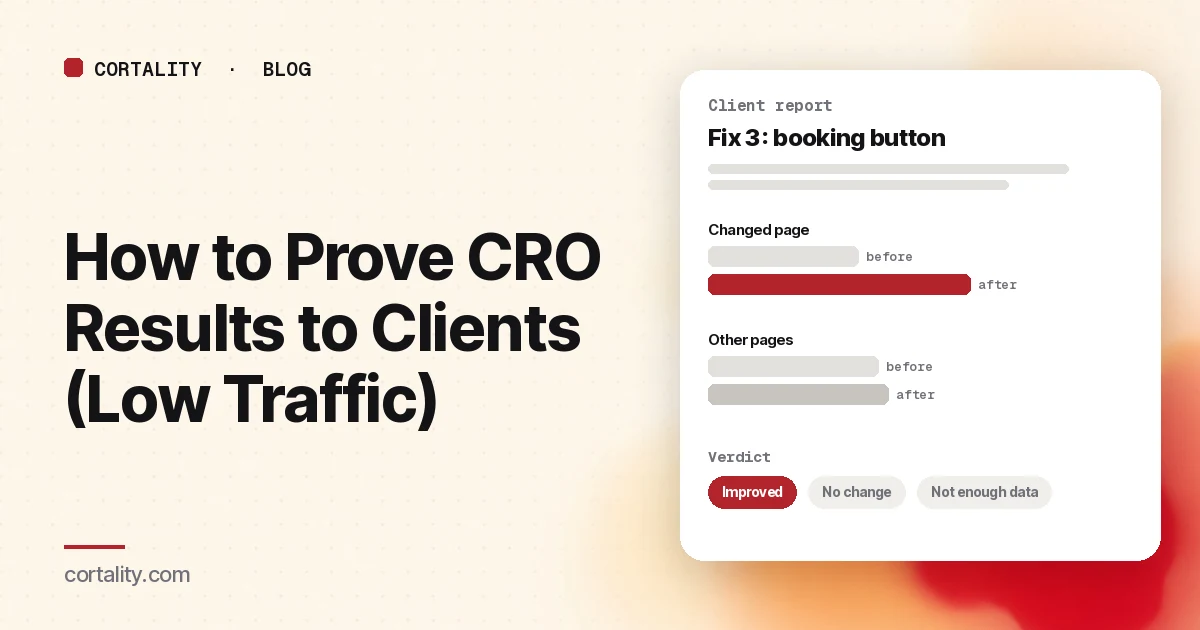
Statisticians call this a difference-in-differences comparison. You don't need the name in the report. A simple table with "changed page" and "other pages" rows, before and after, is enough for a client to follow.
4. Split by traffic source and device
Before you report anything, break the before and after numbers down by the client's main channels (paid, organic, email, direct) and by device. Two checks matter:
- Did the traffic mix shift? If paid traffic doubled in the after window, the overall rate can move without any change in how the page performs.
- Did the fix move the segment it targeted? A mobile layout fix should show up mostly in mobile numbers. If desktop moved more than mobile, be suspicious of the story.
5. Give a verdict, including the boring ones
End every fix with one of four verdicts:
- Improved: the metric moved in the right direction by more than normal week-to-week noise, and the comparison group didn't move the same way.
- Worse: it moved the wrong way by the same standard. Say so and roll the change back.
- No change: enough data came in and nothing moved beyond noise.
- Not enough data yet: too few visitors or conversions to tell. Leave the change live and name the date you'll check again.
To judge "more than normal noise" without statistics software, look at how much the metric bounced around week to week in the months before the change. A change smaller than that normal swing isn't a result yet.
Clients rarely expect every fix to win. What damages trust is a report that claims every fix won.
A one-page client report format
For each fix, one block:
| Field | What goes in it |
|---|---|
| Change | One sentence, with a screenshot of before and after |
| Why | The evidence that pointed to the problem |
| Metric | The close metric and the business metric, chosen before launch |
| Windows | Exact dates before and after, same length, same days of the week |
| Result | Before and after numbers for the changed page and for the comparison pages |
| Other changes | Anything else that happened in the window: campaigns, promos, pricing |
| Verdict | Improved, worse, no change, or not enough data yet |
| Next | What you'll do with the result |
Keep the numbers raw: visitors and conversions, not only percentages. "18 of 412 visitors" lets a client see how small the sample is. "4.4%" hides it.
Common mistakes agencies make
- Changing several things at once. If the hero, the form and the pricing table all changed in one release, no method can tell you which one mattered. Ship one change per measurement window where you can.
- Choosing the metric after the results arrive. It's tempting and it's the fastest way to lose a sharp client's trust.
- Unequal windows. Ten days before against 30 days after, or a window that includes a holiday on one side only.
- Reporting percentages on tiny counts. "Conversions up 50%" on a move from 4 to 6 isn't a finding.
- Calling a winner in week one. Early leads on small samples come and go.
If you're scoping this work for a client, a structured review like our website UX audit checklist is a good way to find the first changes to measure, and our breakdown of what CRO audits cost helps when a client asks how your fee compares.
Where Cortality fits
The hard parts of this method are the measurement: knowing whether visitors actually reached and noticed the element you changed, and running the same before-and-after comparison every time. That's what Cortality does. One tag on the client's site measures how real visitors use every part of the page. You get a ranked list of fixes with the number behind each one, and after a fix ships, Cortality re-measures it on the next visitors with the same instrumentation and gives a plain verdict: improved, worse, no change, or not enough data yet. The report is built to forward to a client. See what a finding looks like and how it works.
Before you pitch any of this to a client, run their page through our free page leak scan. It takes about a minute and needs no install. It's a prediction from our attention model, not data from the client's real visitors, so treat it as a first look. For checking a client's page before raising ad spend, see Cortality for agencies. If you manage many client sites, Agencies and partners covers pooled visitors on one invoice and white-label reports.
Plans are $99, $249 or $499 a month (Starter, Growth and Scale). Start your free week, and you see your first report before you pay. You save a card at signup, and nothing is charged until 3 days after your first report. Cancel before then and you pay nothing, and any charge can be refunded within 14 days. How the free week works.
Questions
How do I prove CRO results without an A/B test?
Write down the baseline, the metric and the success rule before the change ships. Compare equal before and after windows, check the same period on pages you didn't touch, and report the result as one of four verdicts: improved, worse, no change, or not enough data yet. It's weaker evidence than a proper A/B test, but a client can follow every step and check it.
Which metric should I report to a client after a page fix?
Report the behavior closest to the change first, such as clicks on the button you moved or starts on the form you shortened, and then the business number the client cares about, such as leads or orders. The closer metric shows up sooner and has fewer outside causes.
What if the numbers went up but the client changed other things too?
Say so in the report. A new ad campaign, a sale or a price change in the same window can move conversions on their own. Compare against untouched pages for the same dates, split by traffic source, and call the result a strong hint rather than proof.
Is it okay to report 'not enough data yet'?
Yes. On a small site it's often the honest answer after one or two weeks. Keep the change live, say when you'll look again, and avoid calling a winner early. Clients tend to trust a report more when it doesn't claim a win every month.